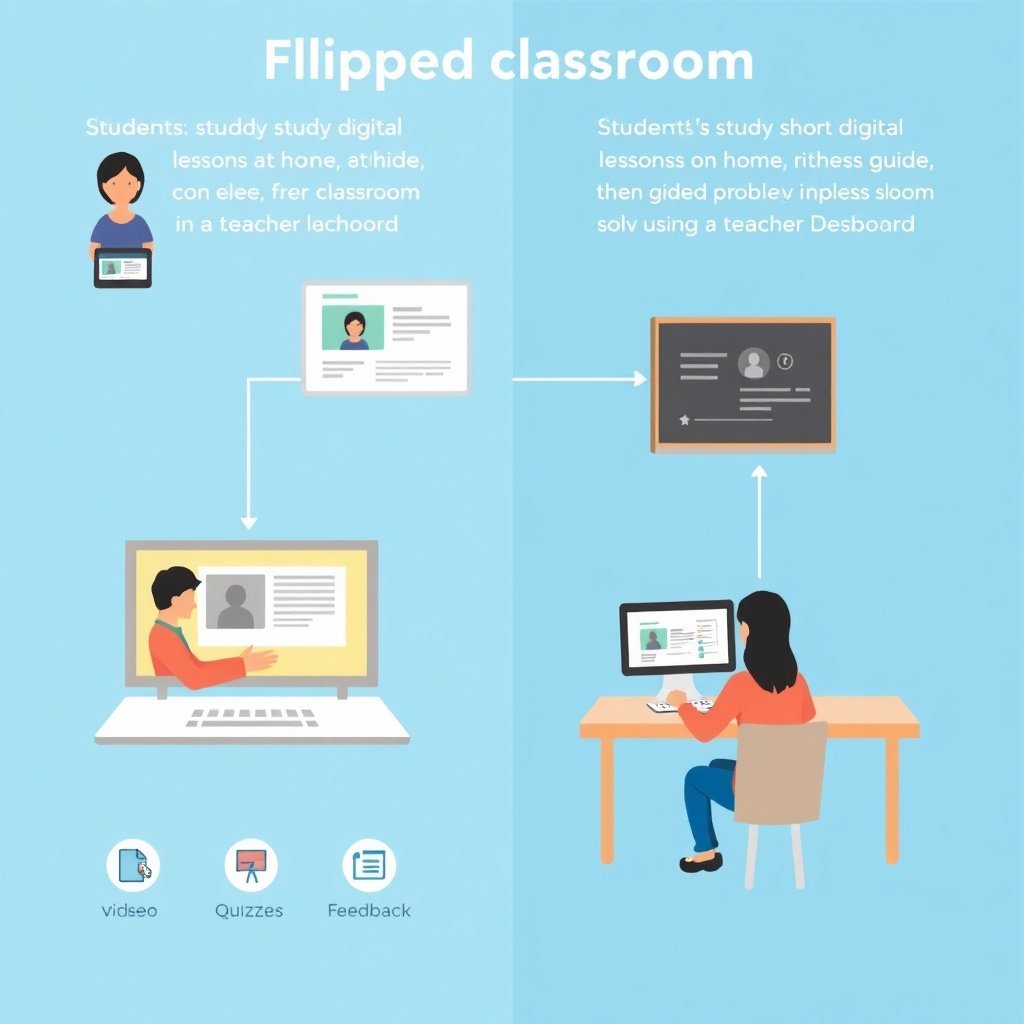
How Does Ed-Tech Support Flipped Classrooms? Practical Ways to Improve Learning
Turn homework into practice—and class time into guidance.
Flipped classrooms work when students arrive prepared—having explored core concepts outside class—so instructors can use face-to-face time for coaching, discussion, and problem-solving. The question of how does ed-tech support flipped classrooms? is essential because it determines whether pre-class learning is meaningful, measurable, and inclusive. When implemented thoughtfully, ed-tech enables short lesson design, self-paced practice, and rapid feedback that traditional “lecture-first” schedules often struggle to deliver.
In this guide, we’ll break down the key mechanisms that make flipped learning successful: content delivery, interactive practice, formative assessment, teacher workflows, and student support. We’ll also show how to build a practical ecosystem of tools and processes—without adding complexity for instructors or learners.
How does ed-tech support flipped classrooms? The core building blocks
The simplest way to understand flipped classrooms is to separate first exposure from second engagement. Ed-tech supports that split by making pre-class learning structured, trackable, and interactive, while in-class time becomes more human and targeted. That’s the heart of how does ed-tech support flipped classrooms?: it helps educators design, deliver, and measure learning across two phases.
- Curated pre-class learning: short videos, readings, simulations, and micro-lessons.
- Active practice: quizzes, guided exercises, and scenario-based tasks.
- Formative assessment: checks for understanding that inform next steps.
- Feedback loops: automated hints and teacher review of common errors.
- Teacher visibility: dashboards that show who is stuck and where.
- Access and inclusion: accommodations like captions, transcripts, and varied formats.
1) Digital content that fits the flipped model
Flipped classes fail when “pre-class” content becomes a long recording students can’t finish. Modern ed-tech supports better lesson sizing: educators can break topics into smaller segments and attach each segment to a specific objective.
For example, instead of assigning a 45-minute lecture, an instructor can provide three to five short resources—each followed by a quick check. Students then use class time to apply concepts to practice questions, collaborative tasks, or teacher-led walkthroughs.
Practical tips for content design include:
- Keep pre-class materials focused on one learning target per module.
- Prefer explanation plus demonstration (e.g., worked examples).
- Add transcripts and captions for accessibility and retention.
- Include “why it matters” prompts to improve motivation.
2) Interactive practice that turns viewing into learning
Video-watching alone rarely produces mastery. Ed-tech strengthens pre-class work by pairing resources with interactive activities. Instead of passively consuming content, students can practice immediately, reinforcing understanding and revealing misunderstandings early.
- Low-stakes quizzes: quick question sets that encourage attempt-over-perfection.
- Guided problem-solving: step-by-step tasks with contextual hints.
- Simulations and virtual labs: safe environments to explore variables and outcomes.
- Scenario practice: realistic decision-making tasks that match course goals.
This matters because flipped classrooms depend on readiness. When students complete interactive practice, educators can trust that they’re bringing concrete questions and partial understanding to class—ready for deeper work.
Assessment and feedback: the mechanism behind effective in-class instruction
One of the biggest advantages of ed-tech in flipped classrooms is the ability to measure progress quickly and use it to shape instruction. Instead of waiting for a weekly quiz or relying on “who raised a hand,” teachers gain insight into how students are thinking.
That insight supports more precise in-class facilitation: small group instruction can target specific gaps, and classroom activities can align with the most common errors observed in pre-class checks.
Formative analytics that teachers can act on
A strong flipped workflow includes formative data. Ed-tech dashboards can show patterns such as:
- Which pre-class modules students skipped or failed to finish.
- What question types cause the most difficulty.
- Which misconceptions appear across multiple learners.
- Who is consistently on track versus who needs extra support.
With these signals, teachers can plan targeted interventions such as mini-lessons, additional examples, or guided practice stations. The result is a classroom that feels more like tutoring than a one-size-fits-all lecture.
Feedback speed and specificity
Feedback is most powerful when students receive it during the learning cycle—not days later. Ed-tech tools can deliver immediate responses for objective tasks, and they can guide students toward correct reasoning with explanations and hint-based scaffolding.
Consider three feedback layers commonly used in flipped settings:
- Immediate automated feedback: reinforces correct answers and flags incorrect ones.
- Hint progression: reduces frustration by leading learners step-by-step.
- Teacher feedback on key tasks: deeper comments on reasoning, essays, projects, and complex problems.
This mix helps ensure that students don’t simply “get the right answer,” but understand the path to it—an outcome that directly strengthens performance in active in-class work.
How ed-tech supports preparation, pacing, and equity
Even well-designed lessons can struggle if students can’t access materials reliably or if pre-class work is too rigid. Ed-tech helps address these barriers with features that improve consistency, pacing, and equity.
In practice, how does ed-tech support flipped classrooms? through access and flexibility—so more learners can complete pre-class tasks and arrive ready to participate. This is often where the biggest real-world impact occurs for diverse classes.
Accessibility tools for inclusive learning
Flipped classrooms can unintentionally widen gaps if materials aren’t accessible. Ed-tech mitigates this with built-in accommodations, such as:
- Captions, transcripts, and adjustable playback speeds for video content.
- Screen-reader friendly formats for readings and worksheets.
- Alternative question formats (e.g., multiple modes of answering).
- Language support through simplified text options or translations (where available).
Instructors can also choose representations that match learner needs—diagram-based explanation, audio narration, or interactive models—so students can engage in multiple ways.
Support for different pacing needs
Not all students learn at the same pace, and flipped classrooms should respect that. Digital platforms enable replay, branching, and differentiated practice.
- Replay and revision: students can revisit content they didn’t fully grasp.
- Mastery-based progression: practice can continue until learning targets are met.
- Optional enrichment: advanced learners can go deeper without holding others back.
When designed well, this creates a classroom where students contribute at their current level, while teachers provide targeted challenges.
Teacher workflows: turning data into instruction (not extra work)
Ed-tech must reduce teacher workload, not increase it. If educators have to manually grade every attempt or interpret dozens of raw results, flipped classrooms can become burdensome. The best implementations streamline the workflow so teachers spend time on pedagogy, not administration.
Streamlined planning using dashboards
Instead of guessing, teachers can use platform insights to prioritize what happens next. For example, dashboards can help instructors identify:
- Common errors that should be addressed in the next lesson.
- Students who need a remediation path or extra coaching.
- Content modules that may require redesign for clarity.
That planning advantage is especially useful in multi-section courses, where consistency and scalability matter.
Reusable lesson templates and assessment banks
Many educators benefit from structured templates for flipped units. Ed-tech supports reusable resource patterns such as:
- Video + short quiz pairs per objective
- Question sets organized by misconception type
- Practice sequences aligned to in-class activities
- Rubrics for projects and written work
This approach helps instructors scale flipped learning without reinventing everything each term.
Building a secure, reliable learning environment for flipped classes
Flipped classrooms often depend on dependable access to learning platforms, assignments, and student accounts. If the system is unreliable, students lose momentum—especially when pre-class work is due before class time.
When you evaluate tools and infrastructure, consider reliability, secure access, and network readiness. For institutions managing remote or hybrid learning, secure console access and safer network configurations can reduce downtime and protect learning data. If your organization is looking at robust access patterns, explore secure, reliable console access for modern IT as part of your operational strategy.
You may also want to think about network security for devices used by students and staff. A practical way to strengthen the environment is selecting the best firewall software for homelabs or comparable safeguards for your learning setup—especially when learners use diverse devices or connect from different locations.
Additionally, organizations looking for workflow improvements beyond instruction can reference a professional guide to streamlining tech workflows to reduce friction in device management, content distribution, and support operations.
Common challenges—and how ed-tech can address them
Even with strong tools, flipped classrooms face predictable obstacles. The key is to anticipate them and design supports that preserve learning quality.
Challenge: students don’t complete pre-class work
Ed-tech solution: use short, frequent checks for understanding and make completion meaningful.
- Keep pre-class tasks short and measurable.
- Require a quiz or submission that directly prepares students for class activities.
- Provide “catch-up” resources for students who fall behind.
Challenge: inequitable access to devices or bandwidth
Ed-tech solution: offer downloadable or low-bandwidth options, plus accessible formats.
- Provide audio versions or offline-friendly materials when possible.
- Ensure transcripts and captions are available.
- Allow flexible deadlines with support plans for affected students.
Challenge: over-automation and weak feedback quality
Ed-tech solution: balance automated checks with teacher feedback on reasoning.
- Use automated feedback for quick checks and conceptual practice.
- Reserve teacher time for complex tasks, writing, and project coaching.
- Review error patterns weekly to refine instruction.
Conclusion: ed-tech turns flipped classrooms into a guided learning cycle
Flipped classrooms succeed when students prepare effectively and when teachers use class time for high-value interaction—guided practice, targeted feedback, and collaborative problem-solving. That’s where how does ed-tech support flipped classrooms? becomes more than a concept: it becomes a practical system for content delivery, interaction, assessment, and accessibility.
By designing short pre-class learning modules, pairing them with interactive practice, and using formative data to guide instruction, educators can create a learning environment where students come prepared and teachers can personalize support. When reliability and security are also addressed, the flipped model scales with confidence across different contexts and learners.
FAQ: Ed-tech and flipped classrooms
What kinds of ed-tech tools work best for flipped classrooms?
Common categories include learning management systems (LMS) for distributing materials, video or micro-lecture tools, quiz engines for formative checks, and dashboards that help teachers review progress and misconceptions.
How do teachers ensure students actually watch or complete pre-class lessons?
Use brief, objective checks tied to in-class activities. When pre-class tasks directly prepare students for what happens next, completion becomes more meaningful and easier to motivate.
Can flipped classrooms work with students who have limited internet access?
Yes, if materials are offered in accessible formats—such as downloadable resources, low-bandwidth options, and transcripts. Flexible deadlines and structured catch-up paths also help.
Does ed-tech replace teachers in a flipped classroom?
No. The goal is to remove the “lecture-first” bottleneck and give teachers time for coaching, feedback, and deeper engagement during class.